
Have you ever returned back a product from buyers on Daraz that was damaged, malfunctioned, or simply wasn’t the item you sent. If so, you’re not alone. Thankfully, Daraz has a system in place for sellers to file claims against buyers for these types of issues.
This guide will equip you with the knowledge you need to navigate seller claims on Daraz effectively. We’ll walk you through the process, from understanding when to file a claim to ensuring your claim is valid and gets resolved efficiently.
What are Seller Claims?
If you wish to file a claim about a concern or complaint, you can do so by filling out the X-form.
- Ensure the X-form is accurately filled with all mandatory fields and proof to avoid invalid claims.
- Please also note that the claim section for Quality Return Rate (QRR) related concerns has now been moved under Seller Compliance within the Concerns/Complaint dropdown.
How To File A Claim And Where To Find The Form
You can file for seller claims by visiting the Seller Claims tab and access the form accessible directly from Daraz University.
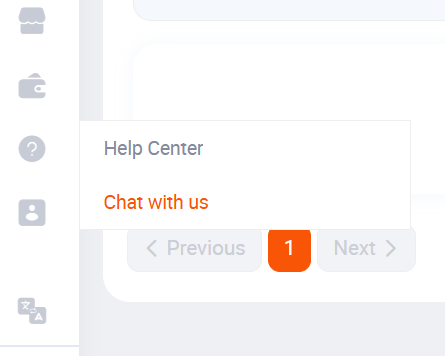
- Click on Contact us under the Seller Support.
- Then click to see more options and submit your queries via the X-form.
How To Track Complains?
You can track your complaints through the seller centre. There are the details that you can check:
- Claim Under Review
- Rejected
- Approved
- Total Complaints
I hope by using this guide you can claim as a seller on daraz.